● LIVE·DAY 1 MORNING·4 / 7·1M BEHIND·4 SCREENS SYNCED
Run the showfrom one screen.
The live operations system for stage managers, AV operators and presenters.
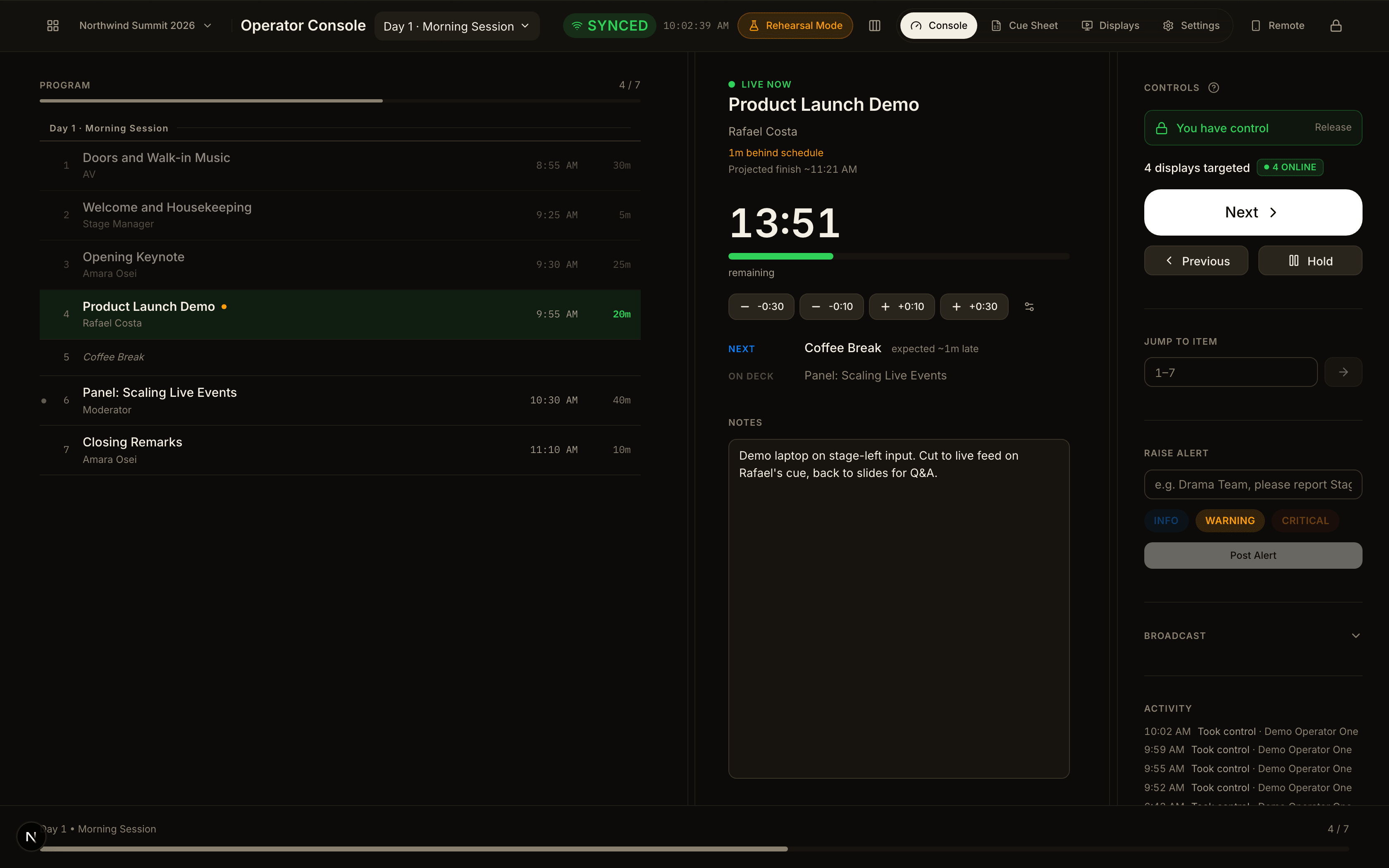
Most shows still run on a spreadsheet, a group chat, and whoever is standing nearest the booth.
The rundown lives in one file. The timing lives in someone's head. The booth hears about the change when it is shouted across the room, and the lobby screen is simply wrong for the next four minutes. That holds together right up until the moment it matters.
One cue. The room responds.
● Next pressed · 4 screens synced
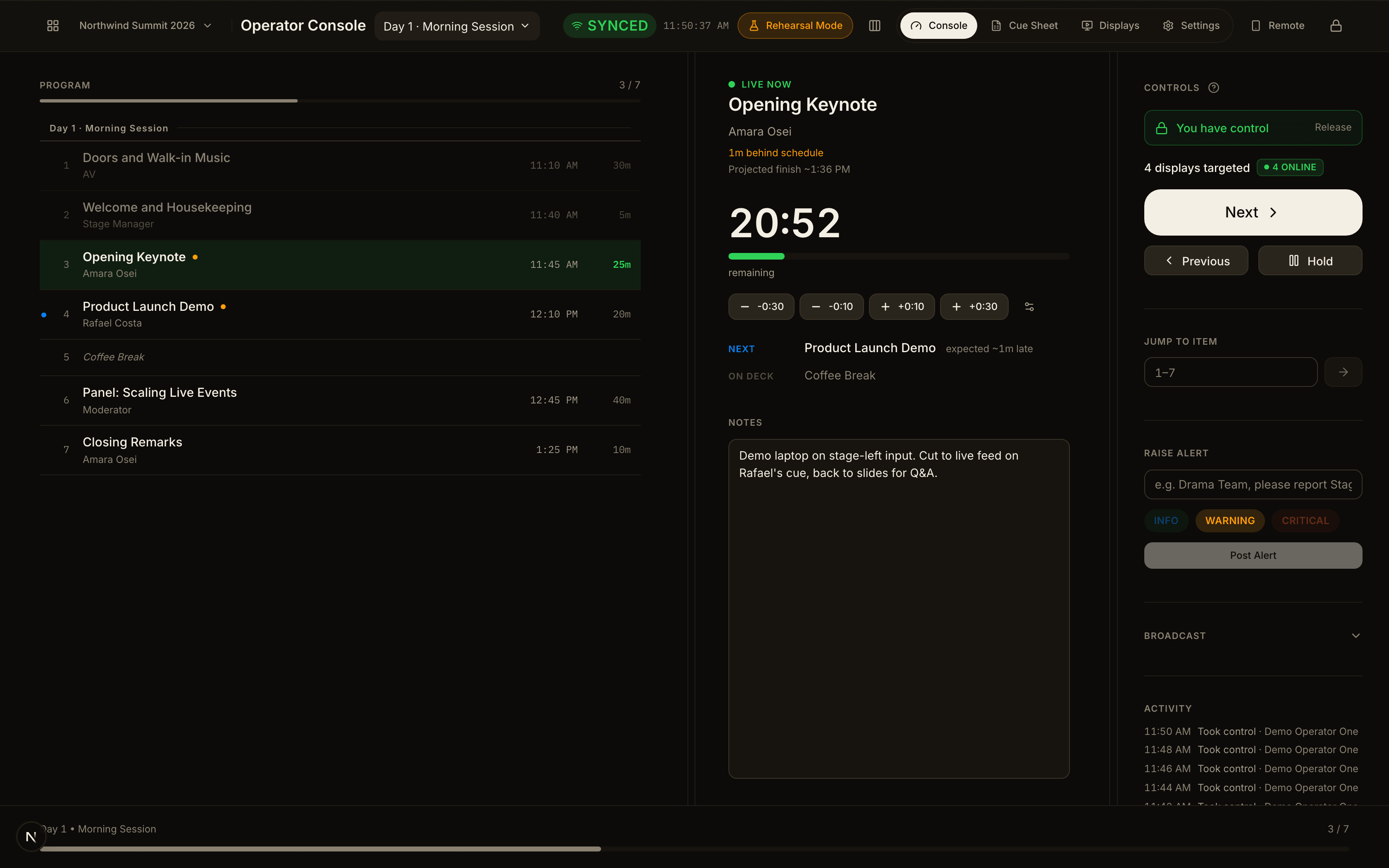
Operator console
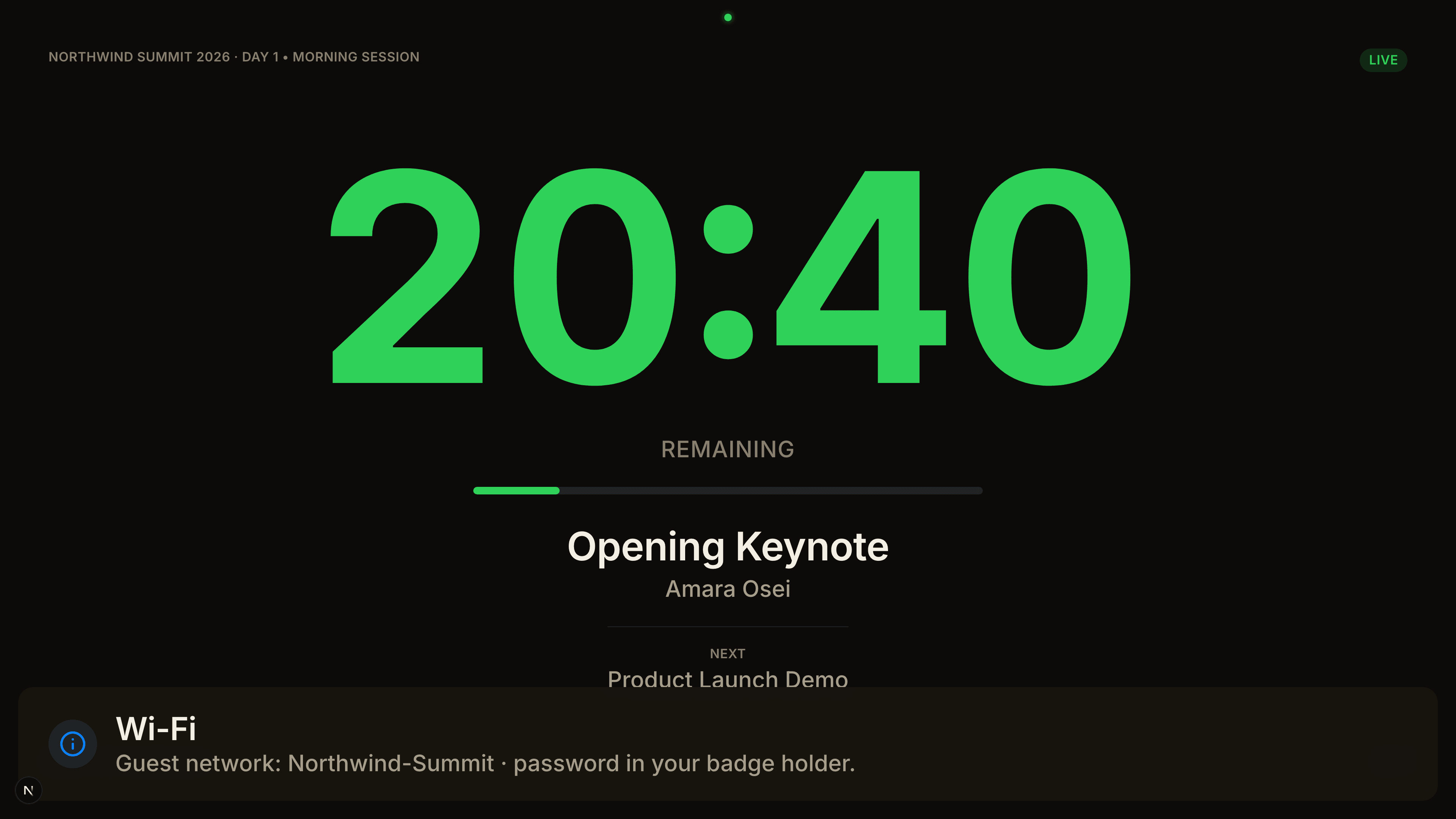
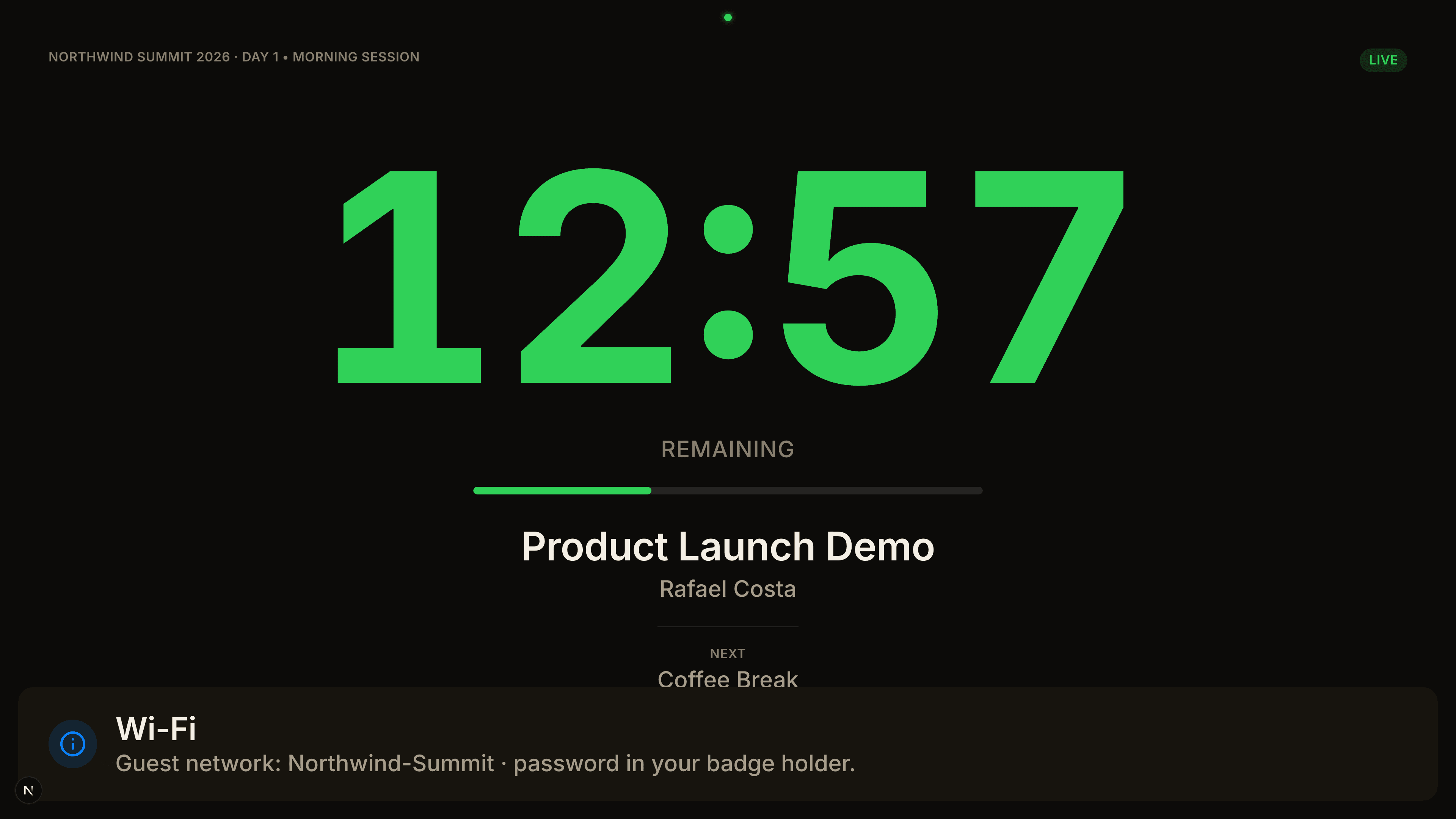
02Stage confidence monitor
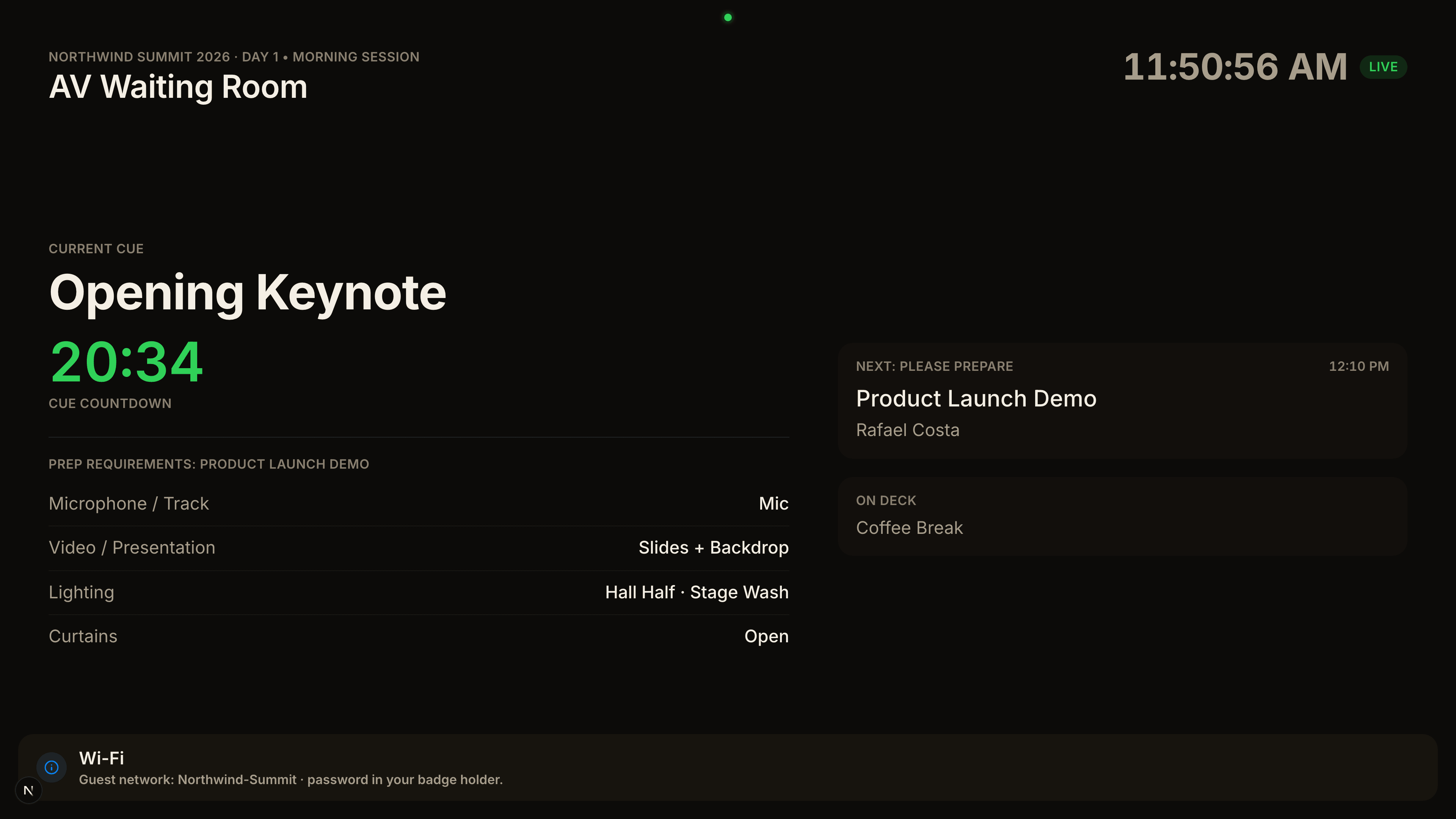
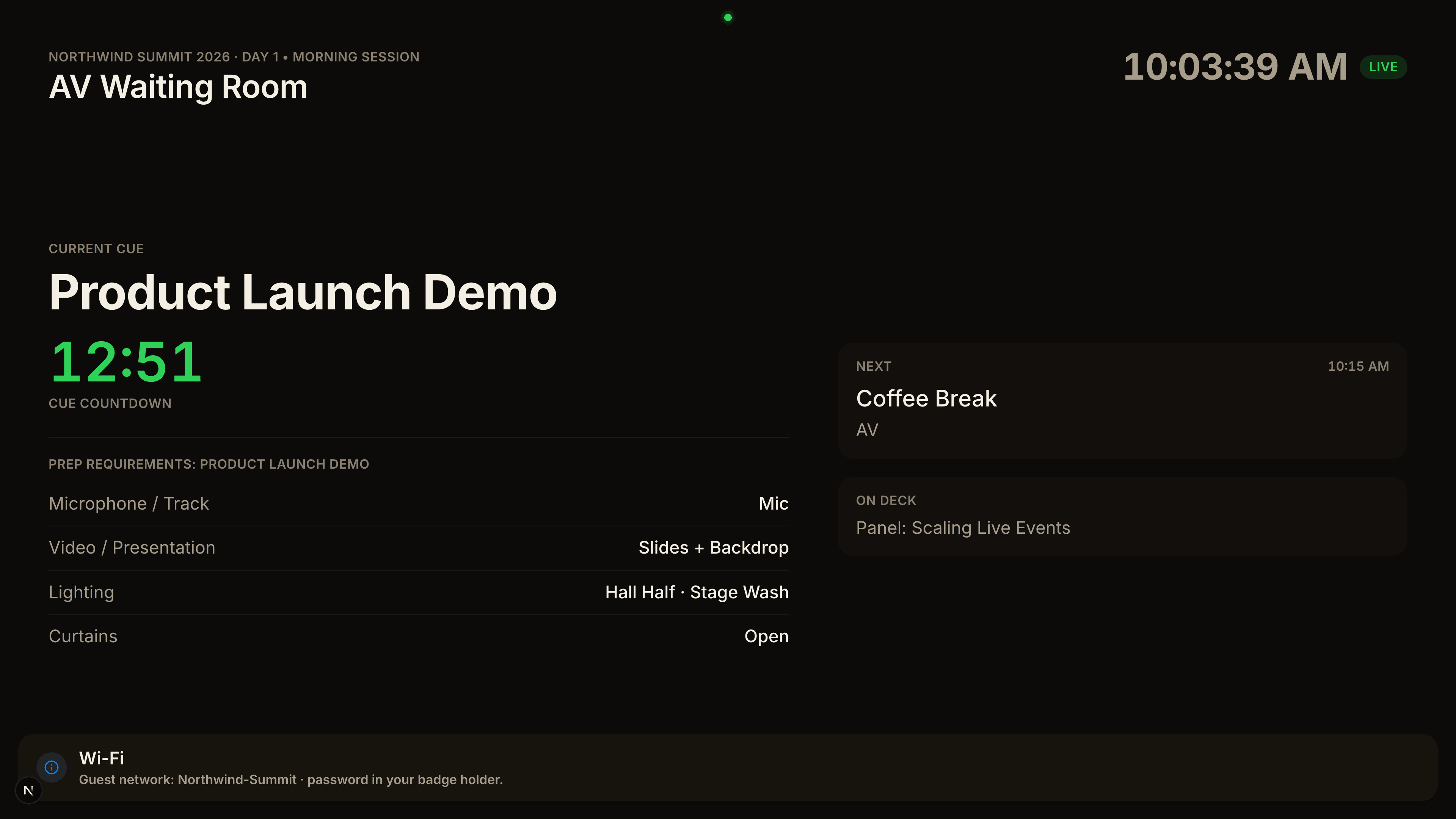
03AV booth
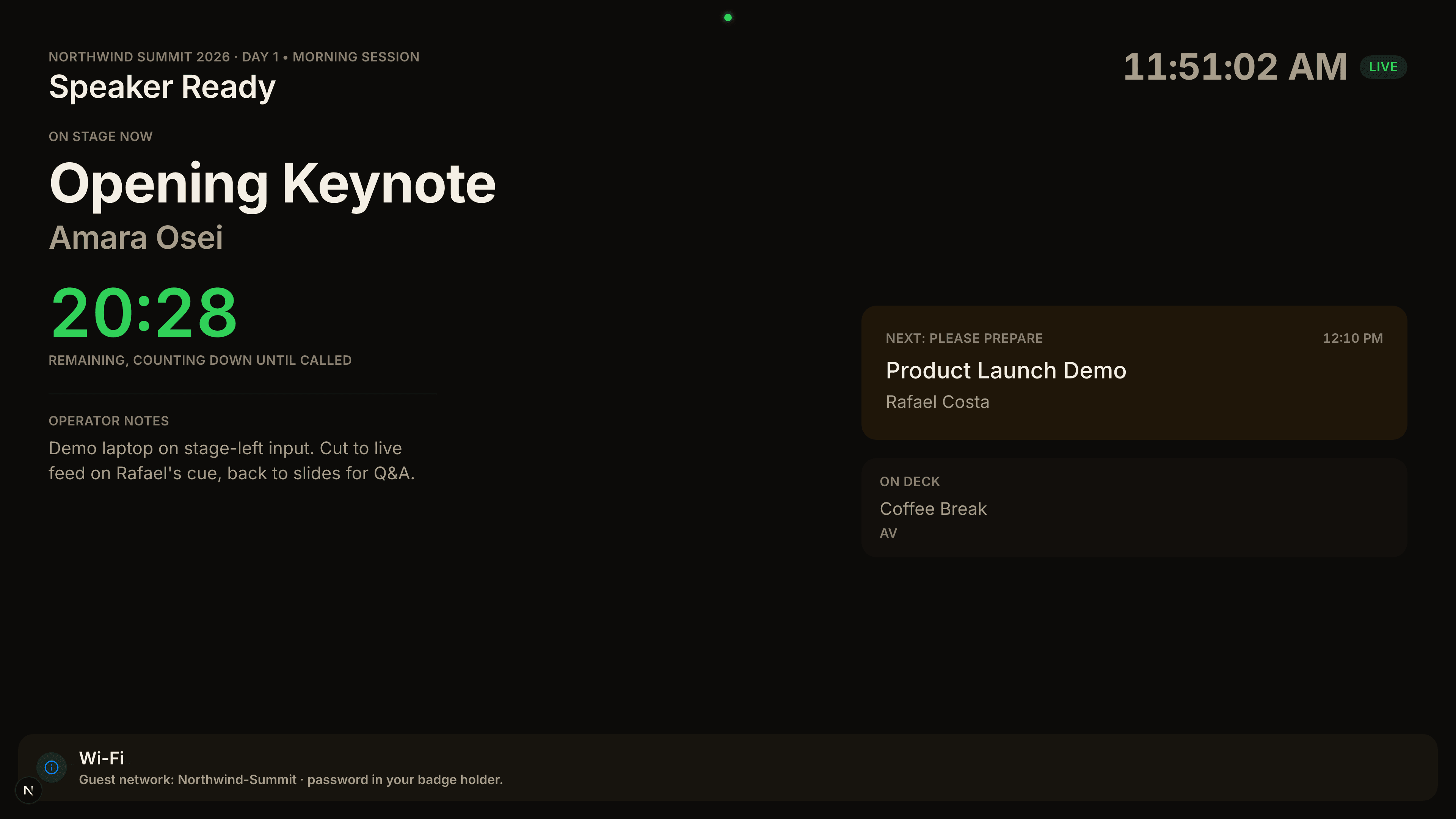
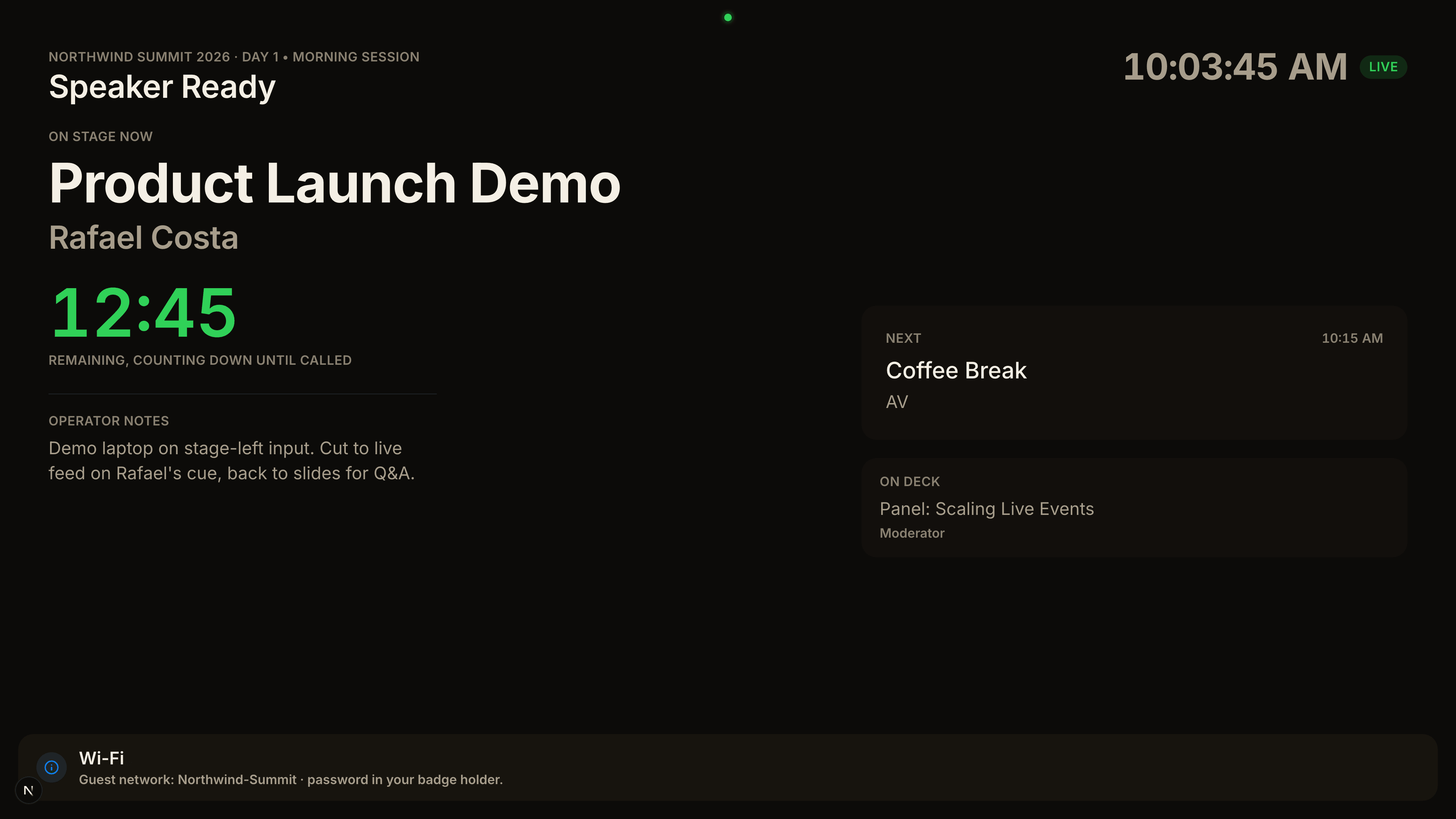
04Speaker ready room
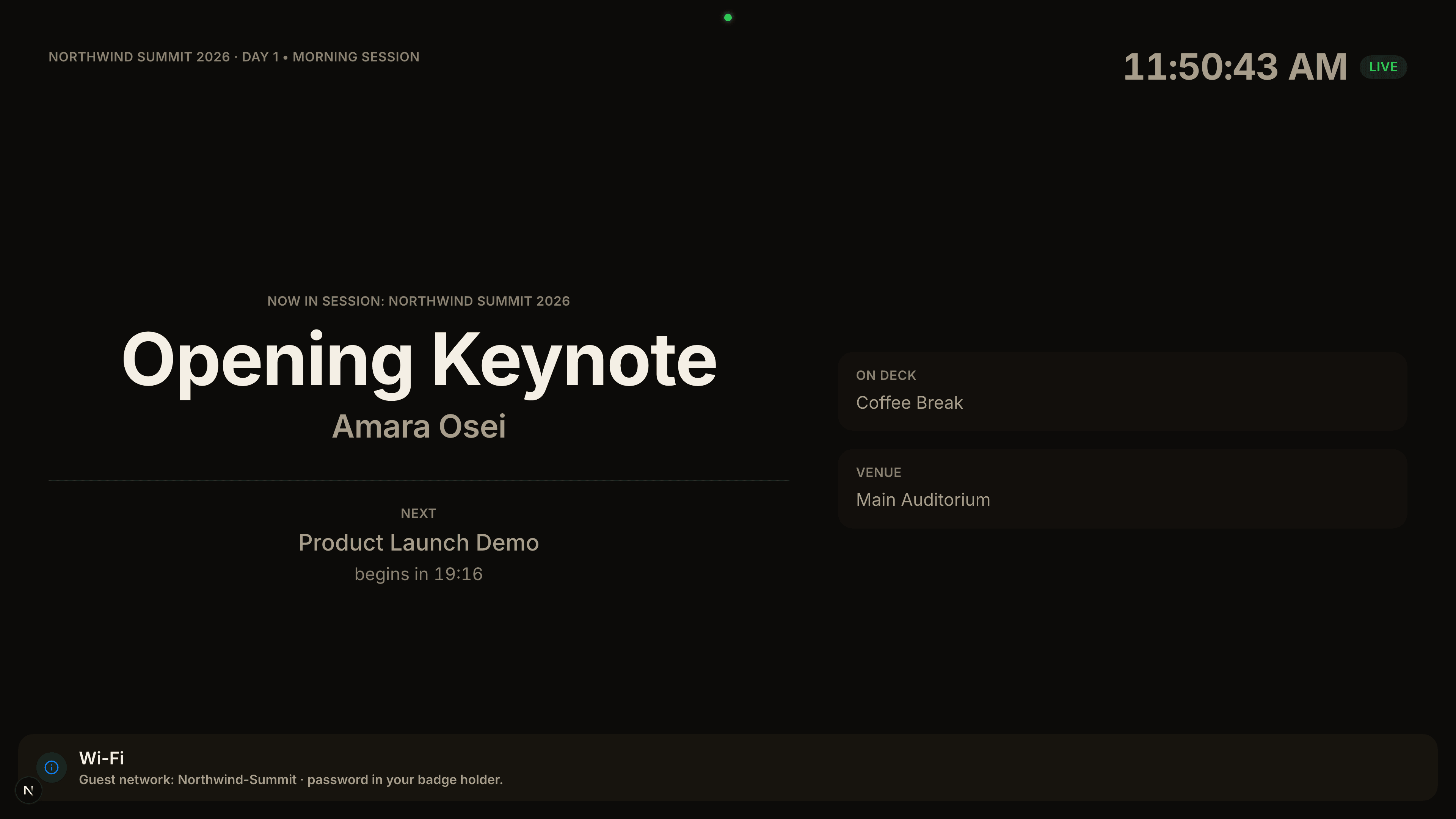
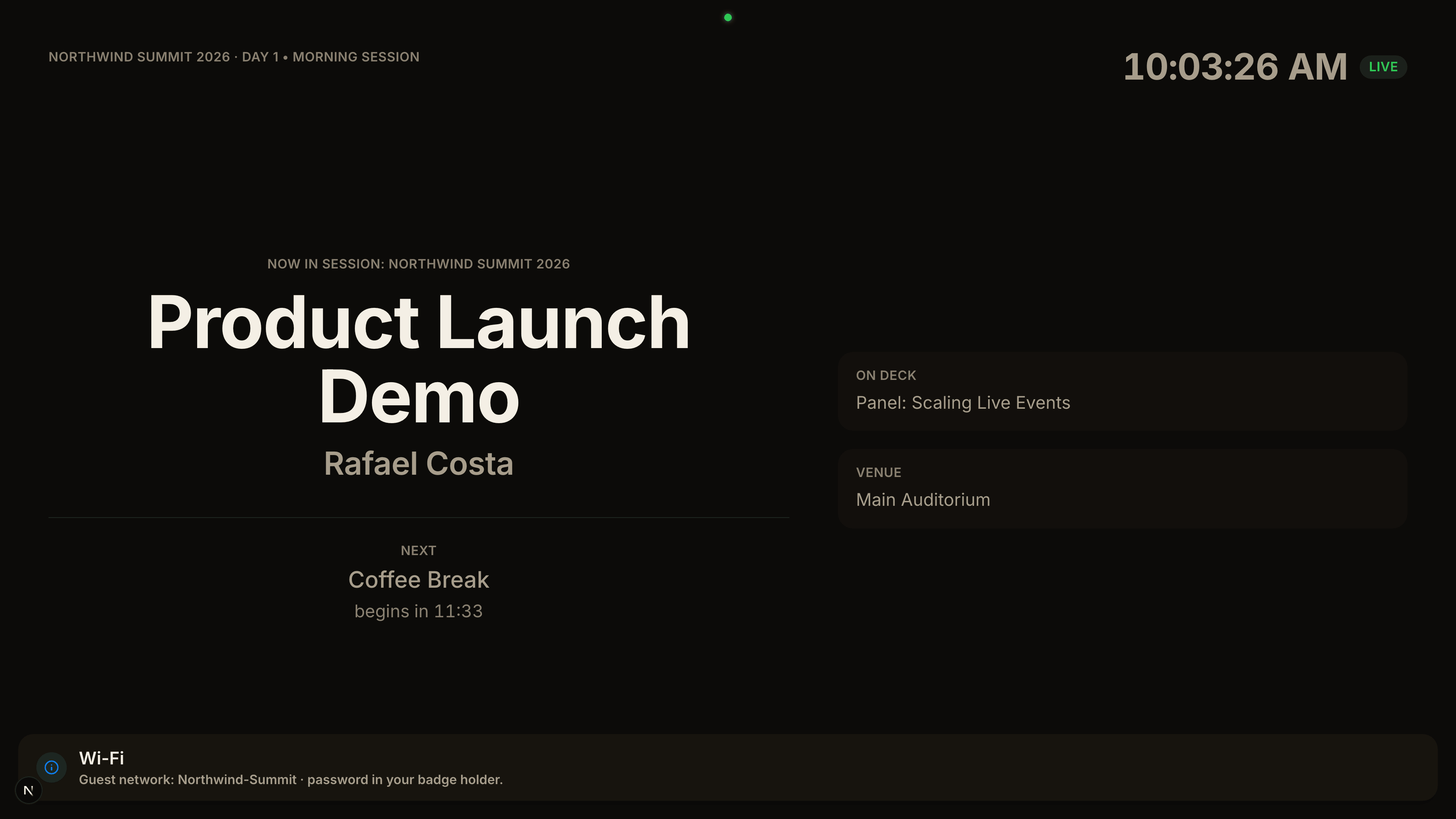
05Lobby display
One cue. The room responds.
The operator presses Next once. Every screen in the building changes together.
01 · Operator presses Next
02 · Stage confidence monitor
03 · AV booth
04 · Speaker ready room
05 · Lobby display
One system. Six endpoints.
01 / 06
Console
The show as one screen. One operator holds the lease; everyone else watches the same truth.
02 / 06
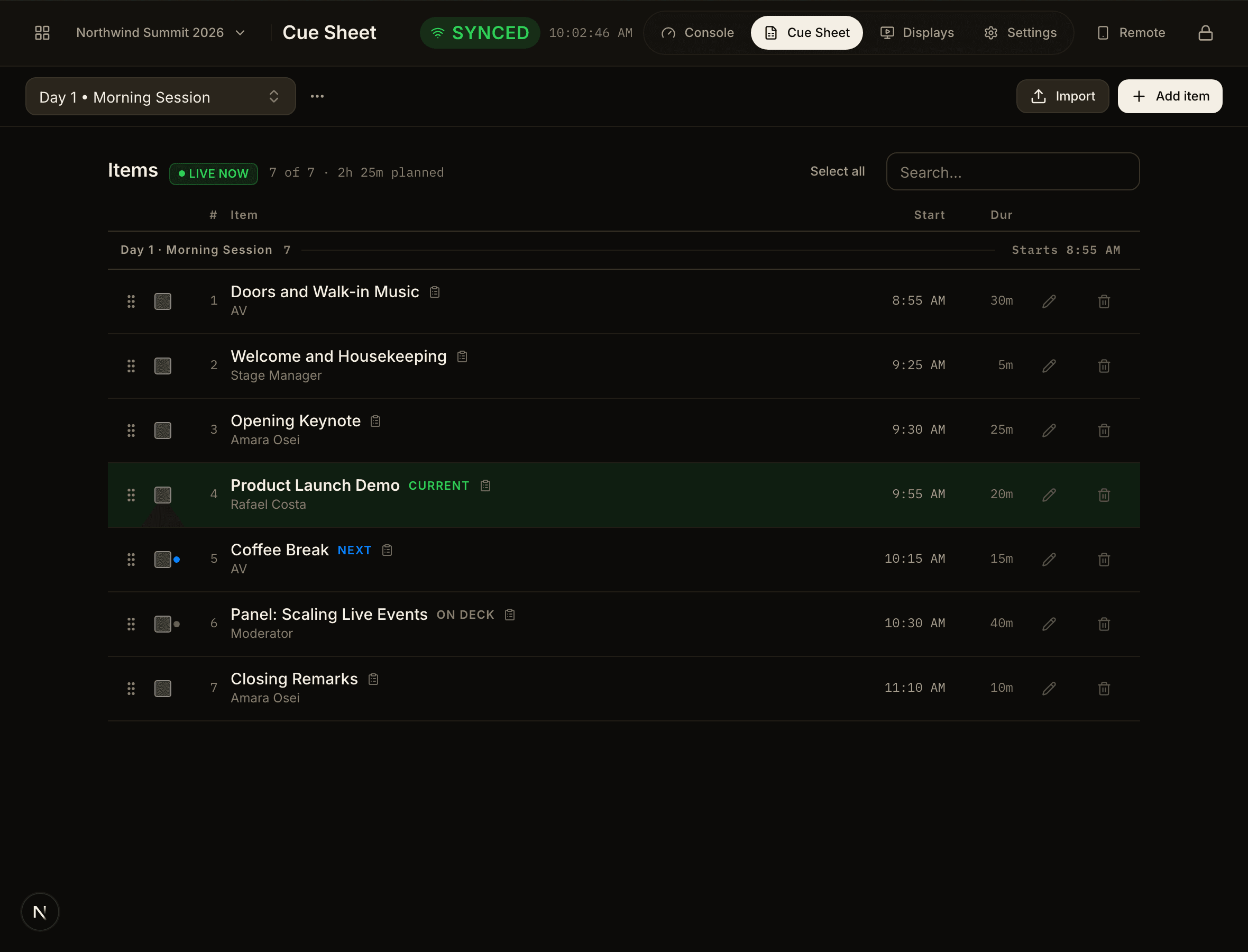
Cue Sheet
Build the running order before doors, or import the spreadsheet you already have.
03 / 06
Remote
What one hand needs while walking: what is on, how long is left, and Next.
04 / 06
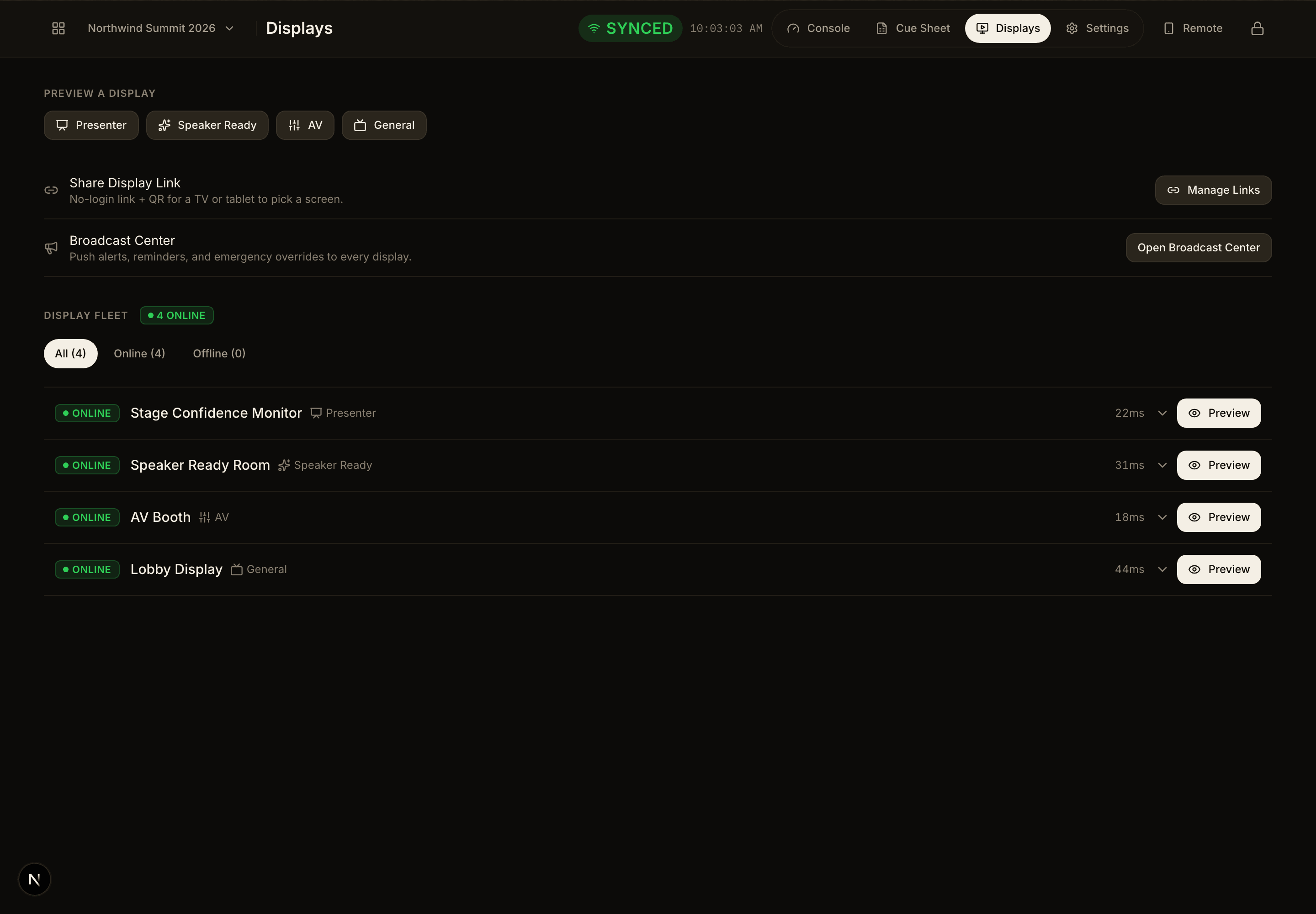
Displays
Every screen in the building, its role, and whether it is still listening.
05 / 06
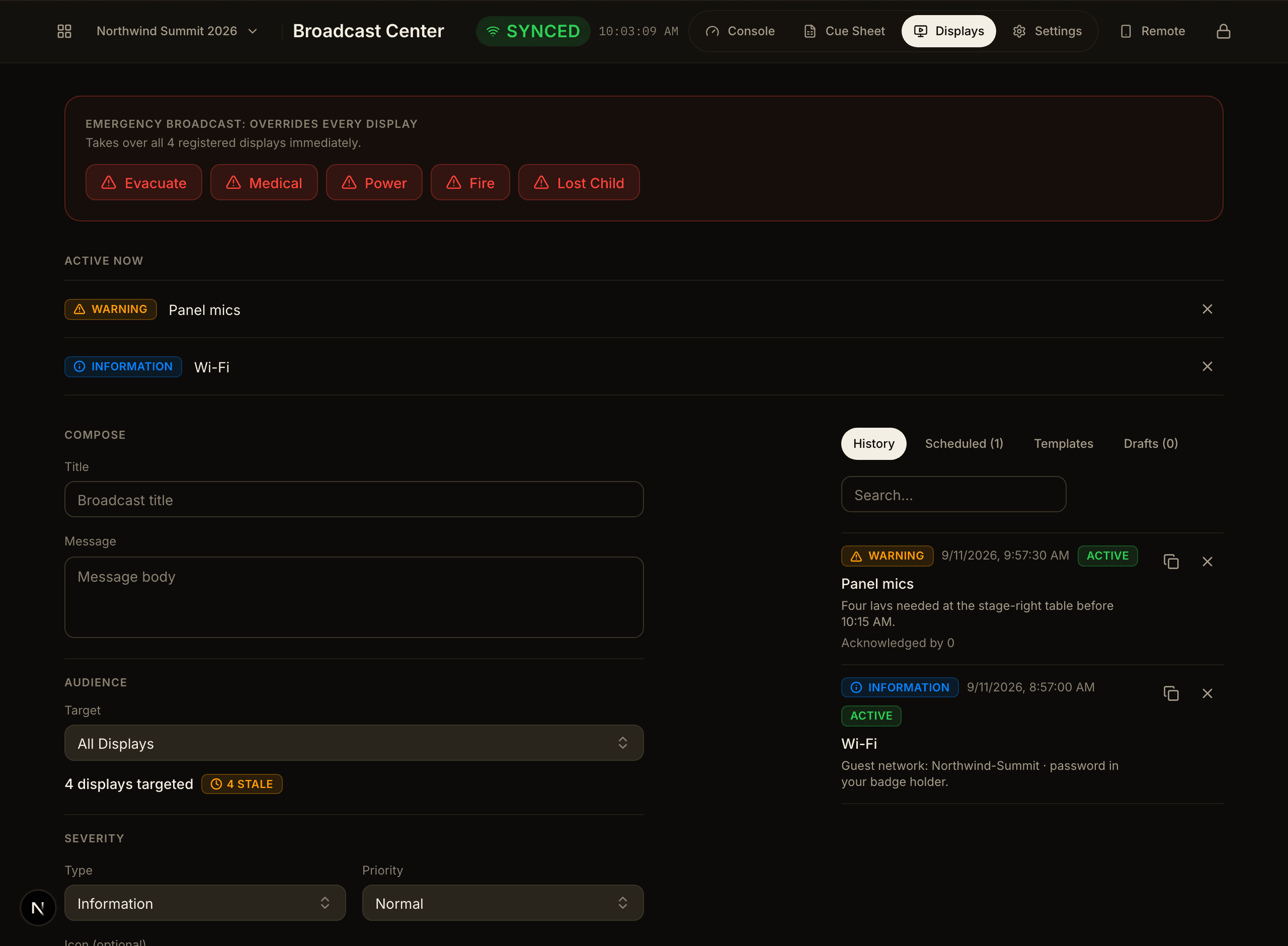
Broadcast
A Wi-Fi notice to the lobby, a mic call to the booth, an override everywhere.
06 / 06
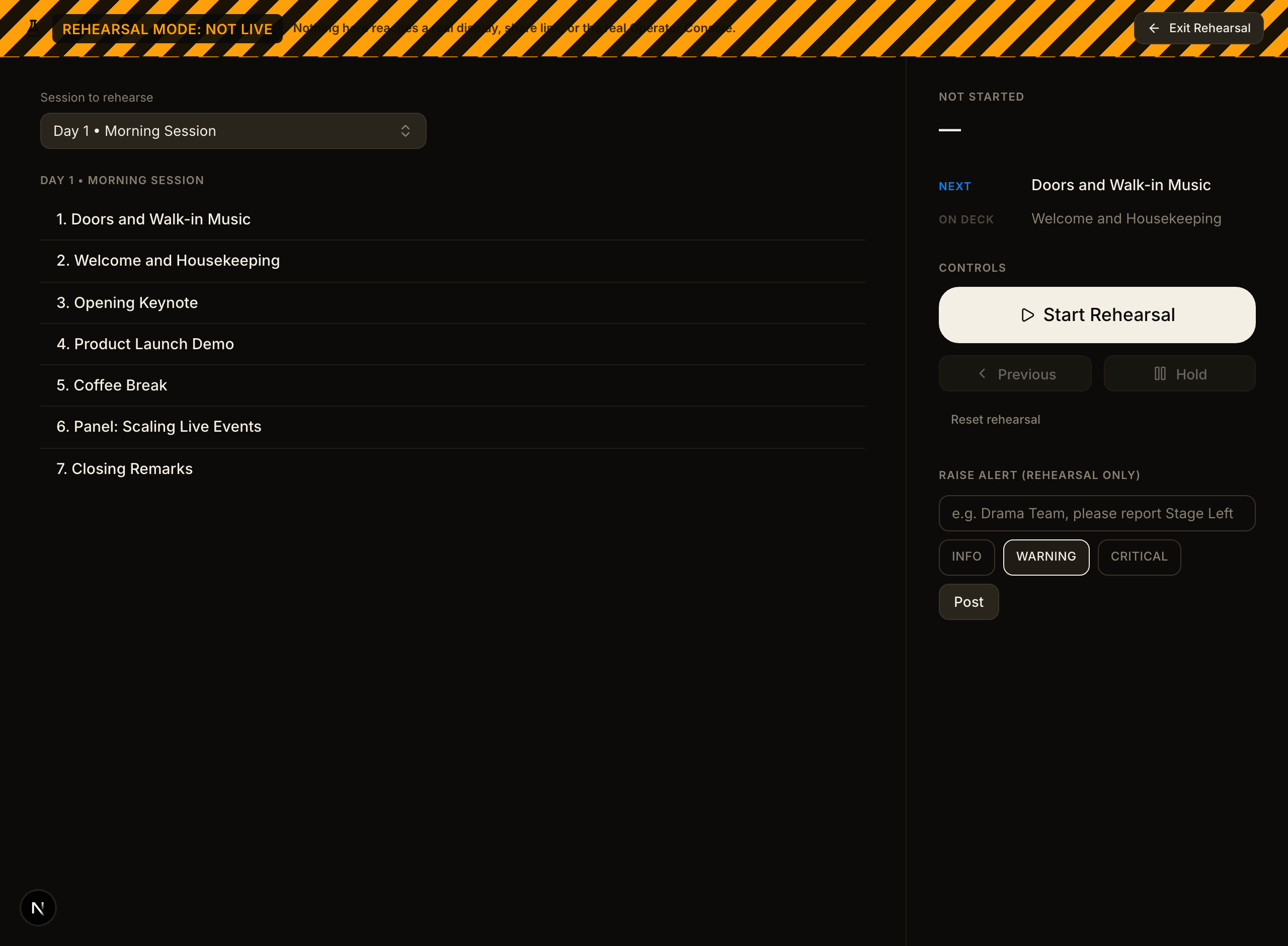
Rehearsal
Run the whole sequence without touching a single live display.
One system. Six endpoints.
01 / 06
Console
The show as one screen. One operator holds the lease; everyone else watches the same truth.
02 / 06
Cue Sheet
Build the running order before doors, or import the spreadsheet you already have.
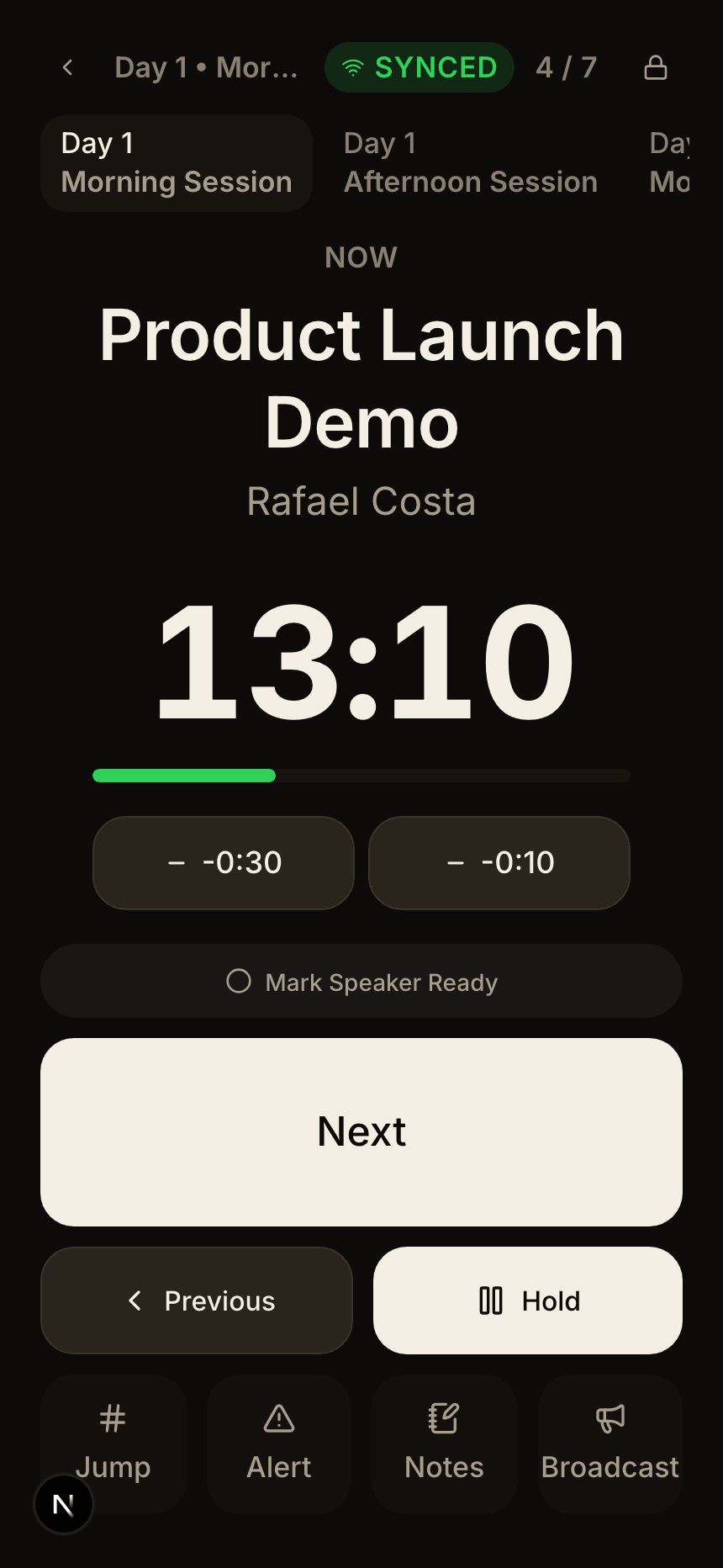
03 / 06
Remote
What one hand needs while walking: what is on, how long is left, and Next.
04 / 06
Displays
Every screen in the building, its role, and whether it is still listening.
05 / 06
Broadcast
A Wi-Fi notice to the lobby, a mic call to the booth, an override everywhere.
06 / 06
Rehearsal
Run the whole sequence without touching a single live display.
05 / The room
Every screen in the building, on the same cue.
Four screens, four jobs, four distances from the stage — and one live state between them. Nothing is typed twice, and nothing is showing the last item.
Built for the minute it goes wrong.
A show does not fail because nobody knew the plan. It fails because the plan changed and the room found out late — and then two people tried to fix it at once.
- Control lease
- One operator drives. Everyone else sees the same state and cannot advance it by accident.
- Shared truth
- The booth and the speaker ready room read the live show, not a screenshot of it from an hour ago.
- Activity log
- Who advanced the cue, who held it, who pushed the alert, and when.